 BéileClose
Get the app
Béile,
on your phone.
Béile installs straight from the web. Its own icon, full screen, and always the newest version — nothing to download, nothing to update.
On your home screen
Keep Béile a tap away.
Open getbeile.com on your phone, then choose “Install app” or “Add to Home Screen” from the browser menu.
A look inside
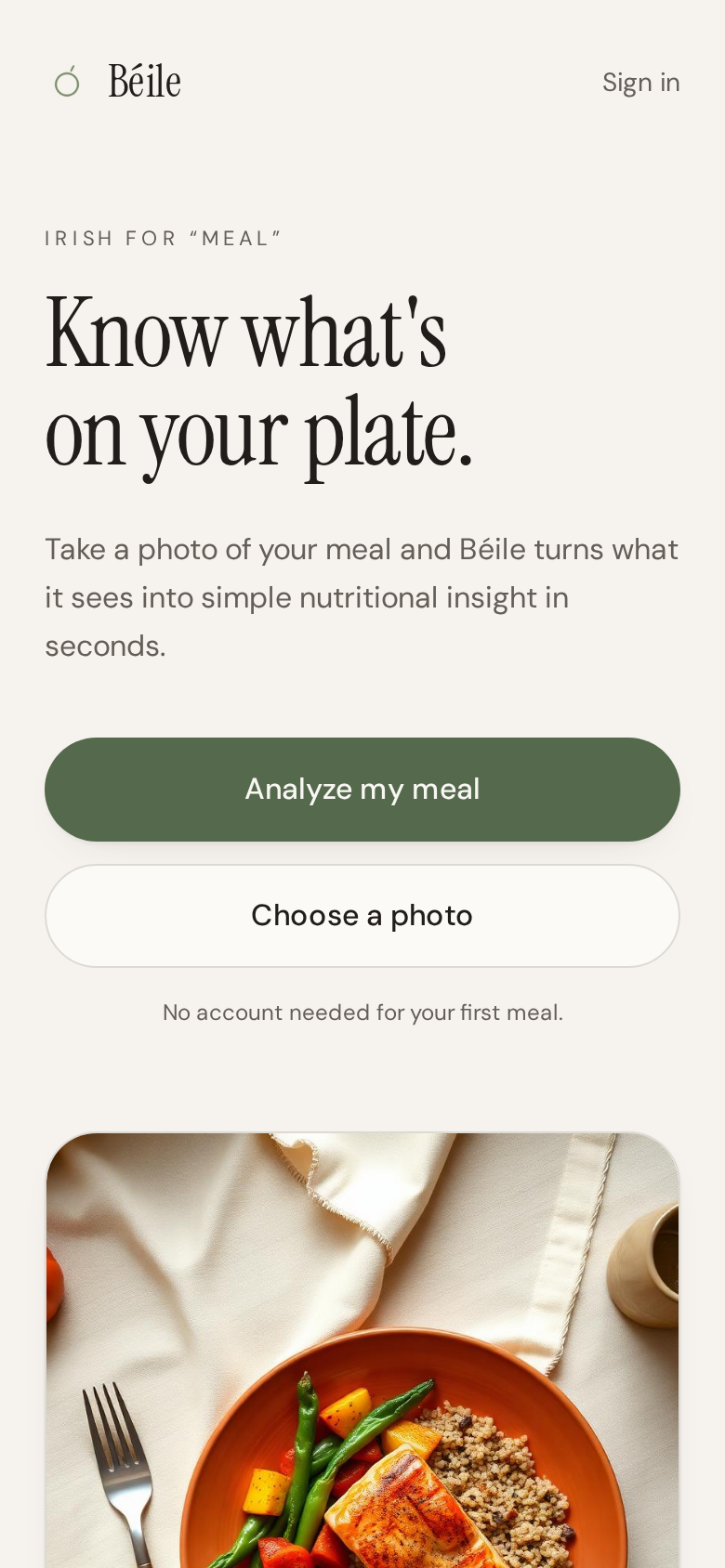
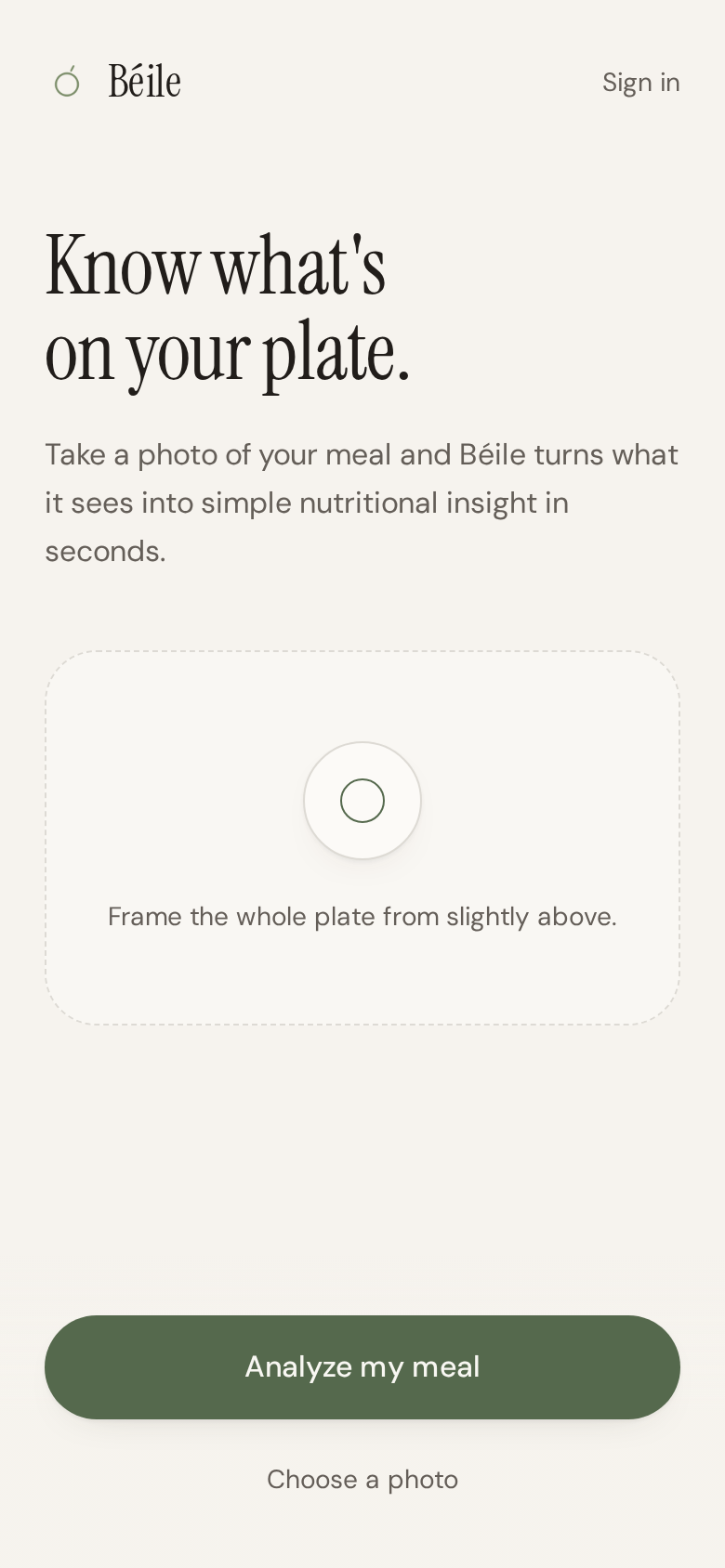
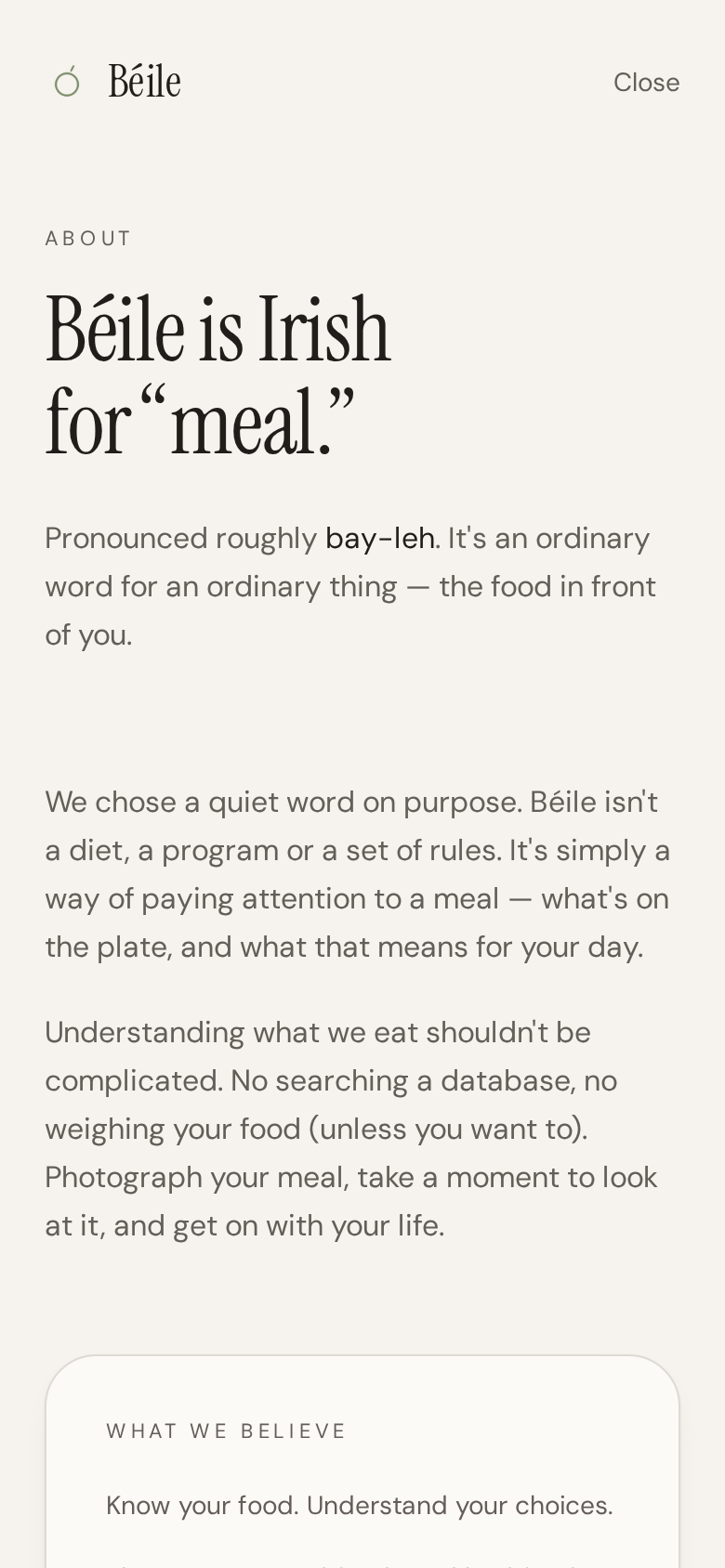

iPhone and iPad
- 1. Open getbeile.com in Safari.
- 2. Tap the share button at the bottom of the screen.
- 3. Choose “Add to Home Screen,” then Add.
Android
- 1. Open getbeile.com in Chrome.
- 2. Tap the menu in the corner.
- 3. Choose “Install app” or “Add to Home screen.”
Try it first.
No account needed to see how it reads a plate.
Analyze my meal